


Sofas & modular seating
Bring fabrics, leg styles, and supported module combinations into one view.

Chairs & armchairs
Let buyers compare upholstery, frame finishes, and the details that define a chair.

Tables
Explore available tops, bases, finishes, and dimensions in a single product view.

Sideboards & storage
Make door finishes, materials, and supported storage options easier to understand.
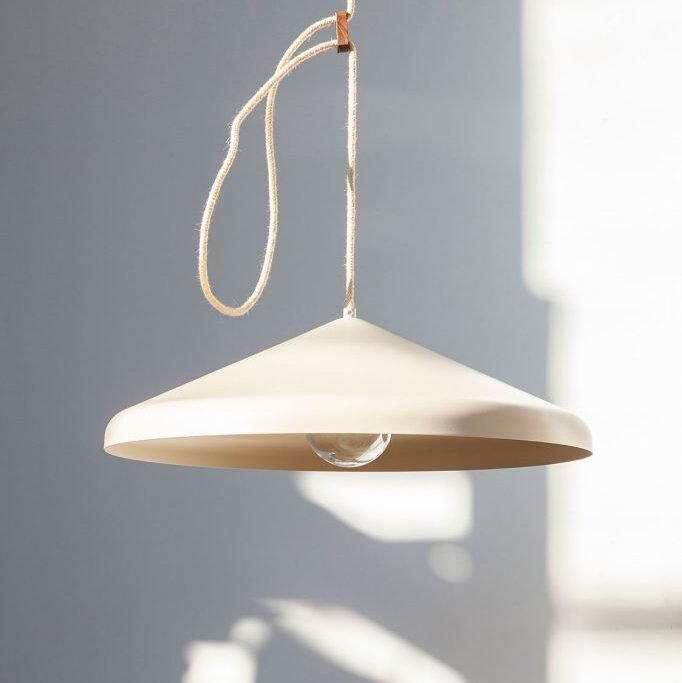
Lighting
Show the finishes, shades, and combinations available across your lighting range.
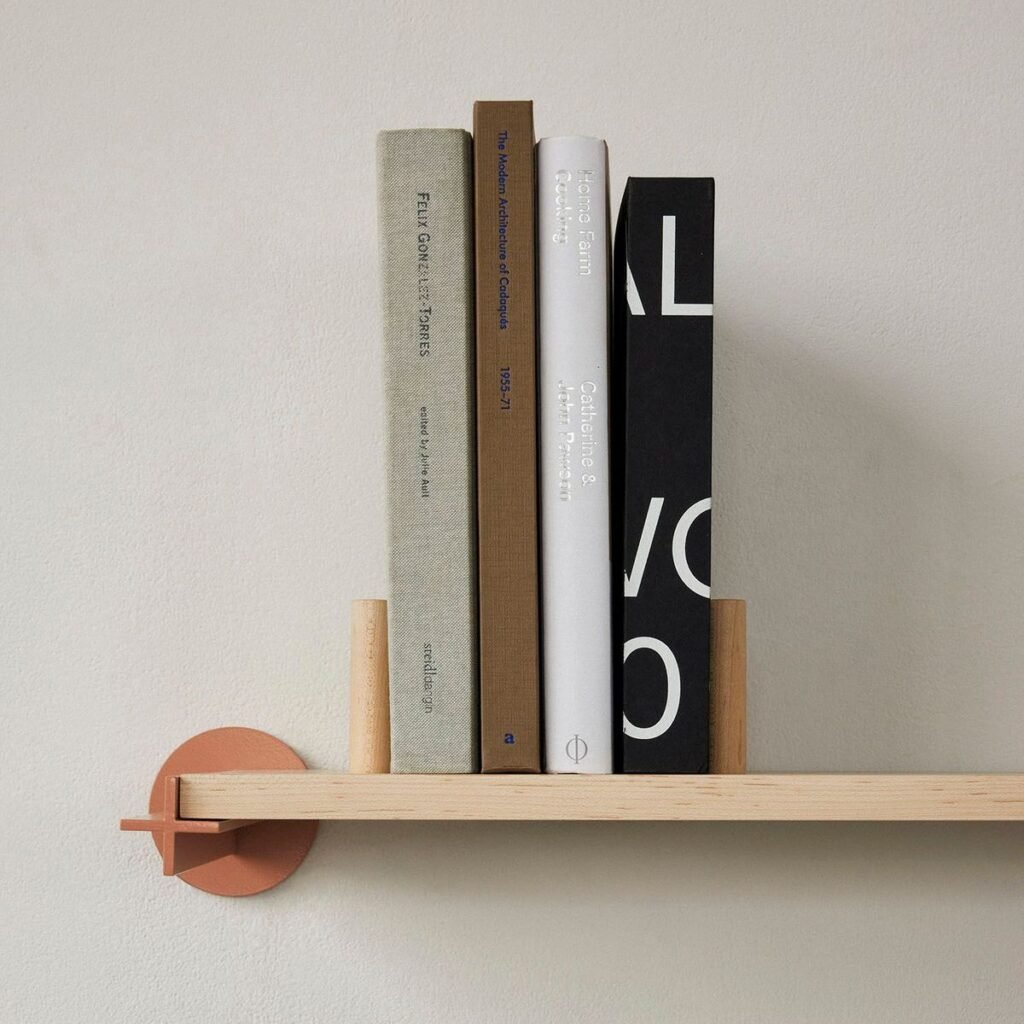
Accessories
Help buyers explore colour and material variations across the smaller pieces.


Made for the product.
Connected to the store.
For amadlo, Conficus created WooCommerce product configurators and photorealistic kitchen visuals. The TV stand above gives you a hands-on look at the experience.
Explore the amadlo project ↗From a beautiful product
to a considered choice.
Let buyers understand what they are choosing, then give them a useful next step. Shape the experience around how your collection is sold.
Find the right starting point.
Introduce the model, its character, and the choices available. Keep the first view simple and inviting.
See the details together.
Show supported materials, finishes, and modules in context. Guide buyers through the combinations your range allows.
Carry the choices forward.
Connect the selected specification to a basket, an enquiry, or your sales team, depending on your sales process.
Start with one piece.
Build for the collection.
A representative product gives us a practical way to agree the visual quality, configuration rules, and buying journey before expanding the range.
Define the experience.
Review the collection, your customers, and the decisions they need to make. Agree a focused first scope.
Build a representative product.
Prepare the 3D assets, materials, and controls. Review the look and behaviour with real product options.
Connect the sales journey.
Implement the agreed pricing, enquiry, or commerce flow and check the experience on desktop and mobile.
Launch, then expand.
Use the first product as a foundation for additional models and options across your collection.
A few useful answers.
Have a specific product in mind? Share it with us and we can discuss a suitable first scope.
Which furniture products can be configured?
Sofas, chairs, tables, storage, lighting, and accessories can all be starting points. We review your product range and select the options that will be useful to show interactively.
Can buyers change materials, dimensions, and modules?
Yes, where those choices are part of your range. We define the supported options and valid combinations with you, including any limits on dimensions or modular layouts.
Can the configurator connect to our online store?
We can scope an integration with your existing store. The amadlo project is a WooCommerce example. Product data, selected options, pricing, and the handoff to checkout are agreed for each implementation.
Do we need to supply ready-made 3D models?
Existing models can be a starting point, but may need preparation for interactive web use. If you do not have models, we can discuss creating them from drawings, dimensions, and reference images.
How accurately can materials be represented?
We use your material references to develop and review the digital finishes. Screens and lighting affect how colour appears, so physical samples remain useful when an exact finish is essential to the purchase.
What determines the budget and timeline?
The number of models, option complexity, available 3D assets, pricing rules, and integration needs all affect the scope. Reviewing one representative product helps us propose a defined first project.
Let your collection
become their own.
Show us one product and the choices you offer. We’ll help define a useful first configurator and a clear path from inspiration to purchase.