
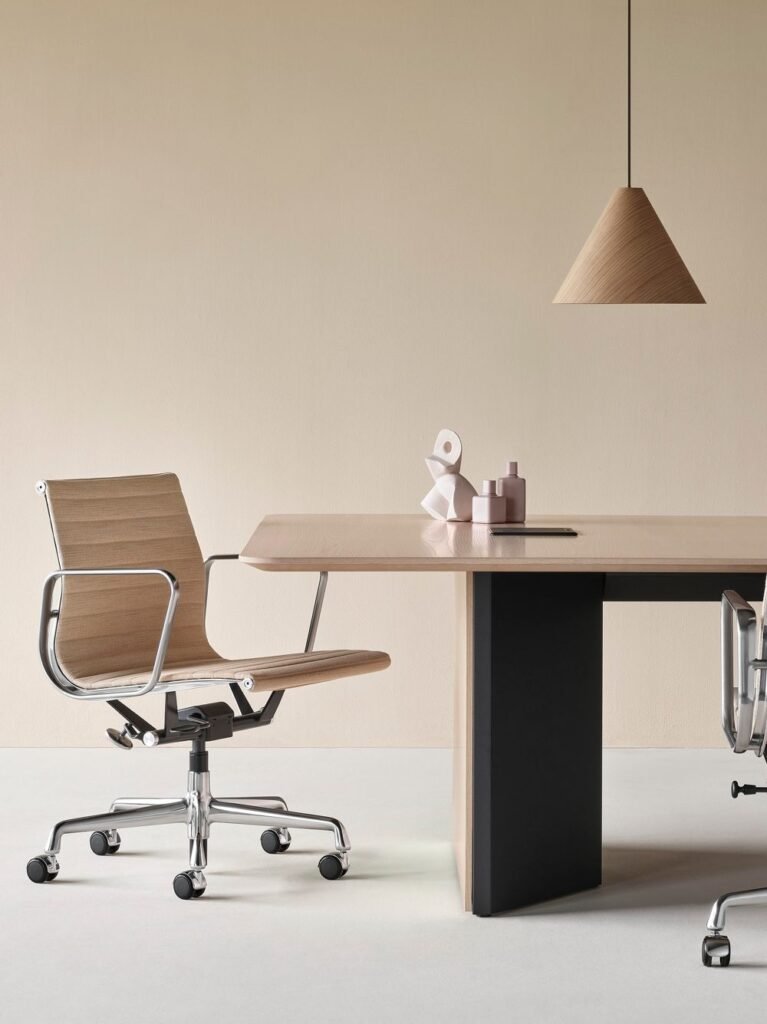
Selected office-furniture work, from seating specialists to workspace brands.


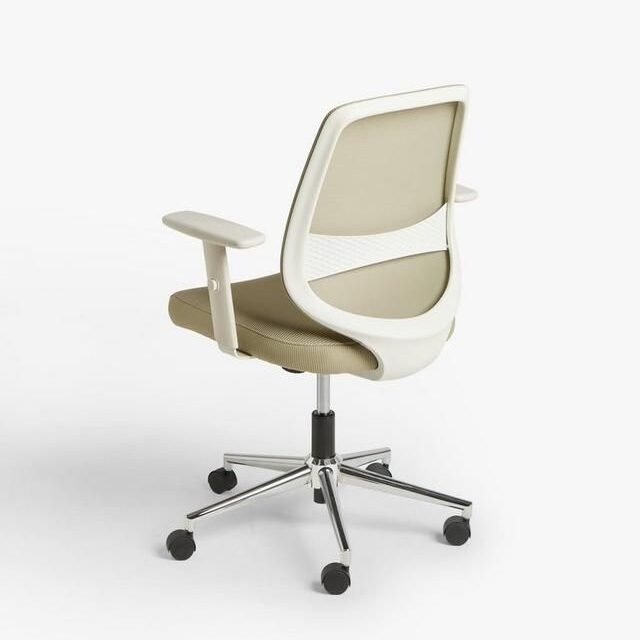
Office chairs
Compare upholstery, colors, bases, armrests, and the components supported by your model.
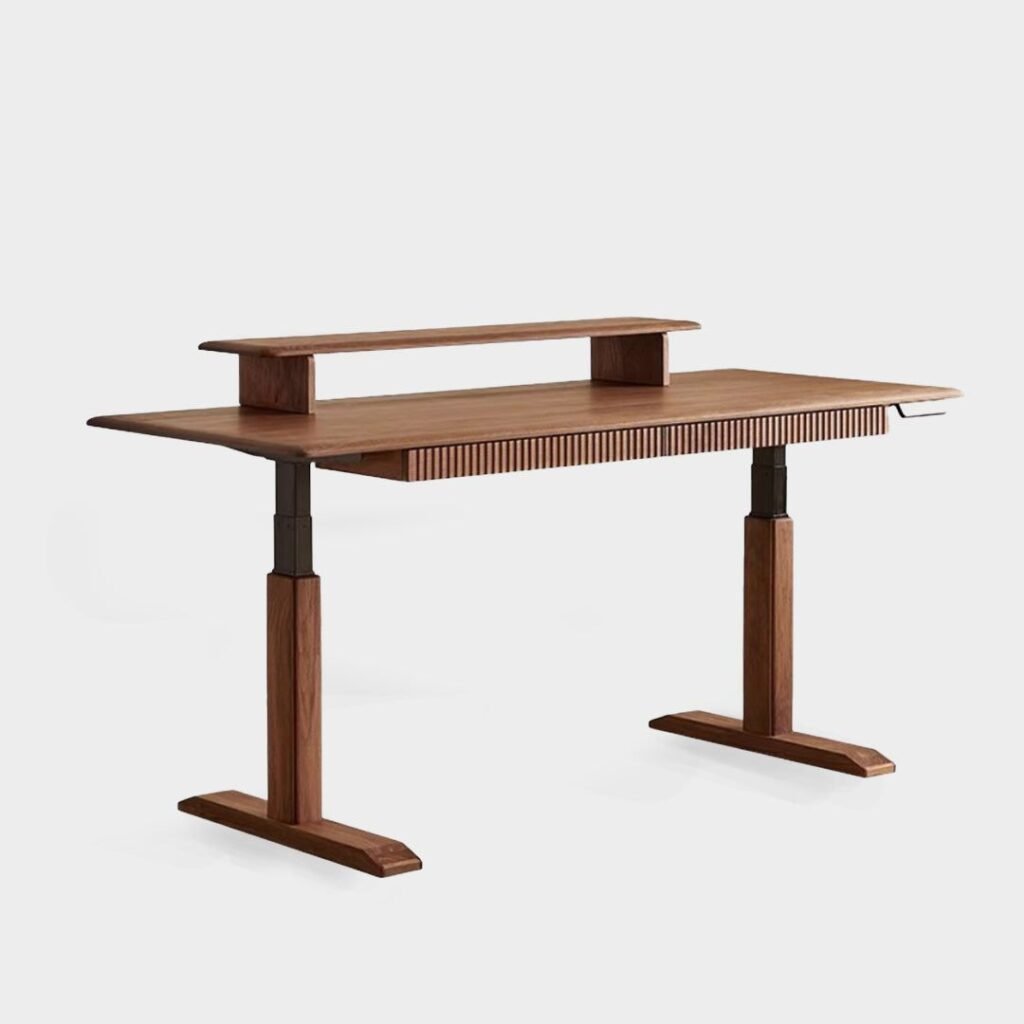
Adjustable desks
Explore desktop sizes, surface finishes, frame colors, and the accessories in your range.
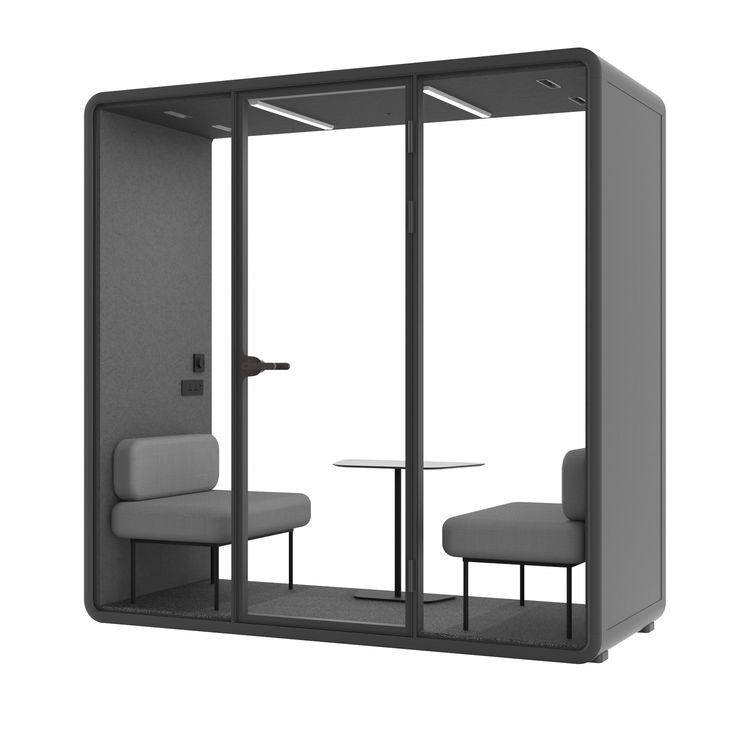
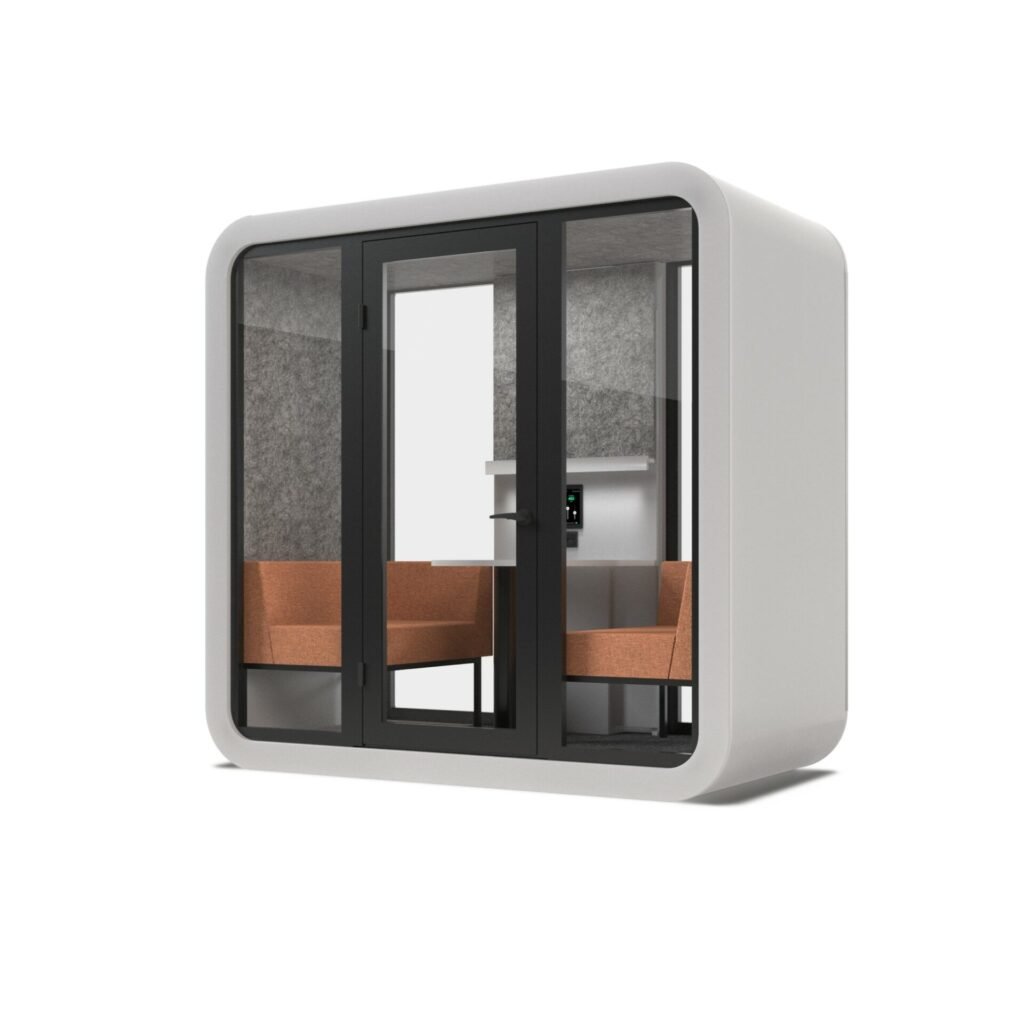
Office pods
Show exterior finishes, interior materials, layouts, and available equipment choices.
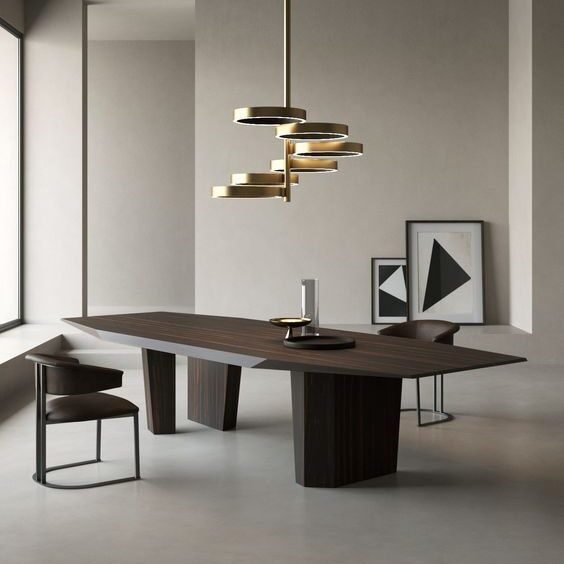
Meeting tables
Make tabletop materials, dimensions, base options, and useful extras easier to compare.
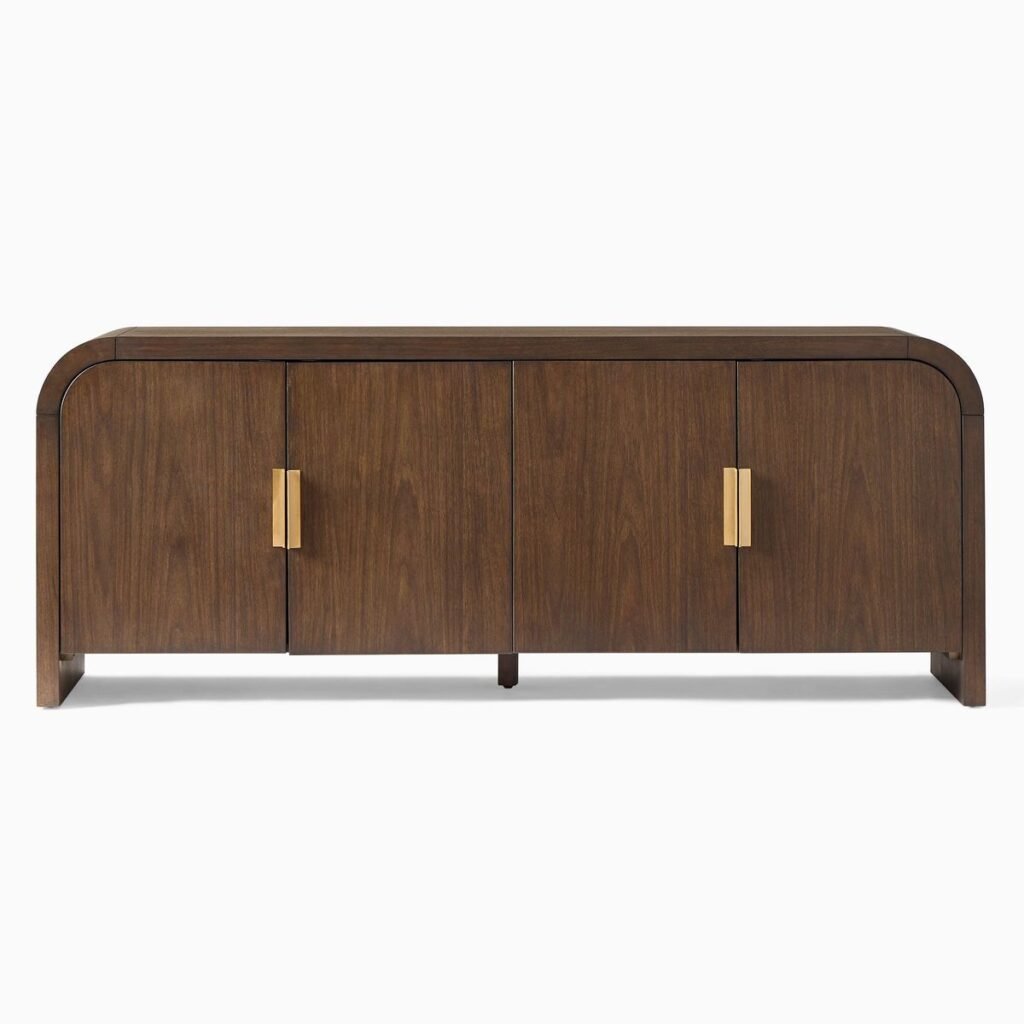
Storage systems
Guide choices across modules, sizes, fronts, finishes, and compatible components.
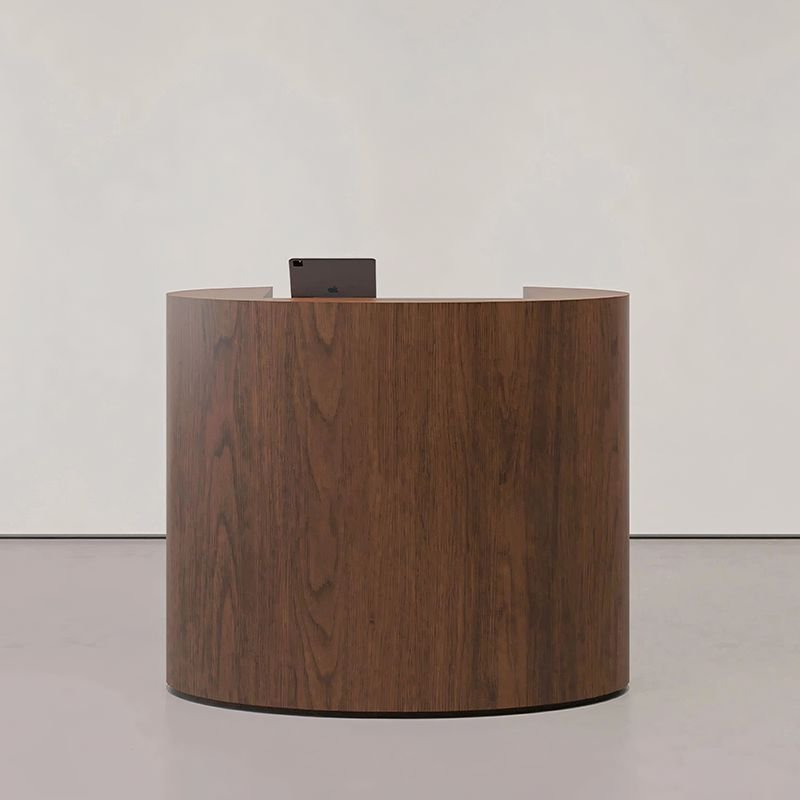
Reception furniture
Bring finishes, dimensions, and supported layouts into a clearer product specification.
Built for office-furniture
brands and their stores.
Explore how KATE and Salons Arka bring configurable products into their existing online sales experience.
Make product choices
easier to carry forward.
Support customers, dealers, or your sales team with a consistent way to explore products and continue toward a purchase or quote.
See the available choices.
Show materials, colors, sizes, and components in context, so buyers can compare your actual product options.
Guide a valid combination.
Use product rules to connect compatible options and keep the specification consistent as choices change.
Keep the details together.
Scope the cart, enquiry, or quotation handoff around the selected product and the information your team needs.
Start with one product.
Build around its choices.
A representative chair, desk, or pod lets us review the visual quality, product rules, and storefront connection before expanding the range.
Define the product and the next step.
Agree the first model, its options, who uses the configurator, and where the configuration should go.
Build the 3D experience.
Prepare the model, materials, controls, and product rules around the choices you offer.
Connect and validate.
Review representative combinations, pricing requirements, and the website journey on desktop and mobile.
Launch, then expand the range.
Introduce the agreed first product and use what you learn to guide the next products and improvements.
Before we configure
your product range.
Have a particular chair, desk, or pod in mind? Tell us about it ↗
Which product options can customers change?
We map the fabrics, colors, finishes, sizes, components, and extras your range actually offers. Product rules guide compatible combinations, rather than allowing unrestricted changes.
Can it connect to our existing online store?
We build for WooCommerce, Shopify, and custom websites. The integration is scoped around your platform, product data, and whether the next step is a purchase, enquiry, or quote request.
Can it show prices and prepare quotations?
Configuration options can connect to approved price lists and calculation rules. We also agree how discounts and exceptional requests are handled, and whether a displayed price is an estimate or an approved offer.
Do we need existing 3D models?
Existing models or CAD files can be a useful starting point, but need to be suitable for interactive web use. If you don’t have them, we can discuss creating models from the product references and specifications available.
Can dealers and sales teams use it too?
Yes. We can scope a customer-facing experience or a workflow for dealers and sales teams, with the options, information, and pricing appropriate to each use.
What determines the budget and timeline?
The main factors are the number of products, the complexity of their options and 3D assets, pricing logic, and integration requirements. Reviewing a representative product helps us define a focused first scope, budget, and delivery plan.
Give buyers a clearer
view of your furniture.
Show us one product and the choices that make it yours. We’ll help define a practical first configurator and the right path from product selection to purchase or enquiry.